> For the complete documentation index, see [llms.txt](https://rainbow-ag.gitbook.io/docs/llms.txt). Markdown versions of documentation pages are available by appending `.md` to page URLs; this page is available as [Markdown](https://rainbow-ag.gitbook.io/docs/introduction/get-started.md).
# Get Started
How to start trading in Rainbow\.ag?
First, you’ll need to **set up a TON wallet**. A crypto wallet is a digital tool that allows users to store, send, and receive cryptocurrencies. It stores the private keys needed to access and manage the cryptocurrencies stored on the blockchain. There are many wallets on TON, such as [Tonhub](https://tonhub.com/), [MyTonWallet](https://mytonwallet.io/), and [Tonkeeper](https://tonkeeper.com/).
Creating wallet on TON (Tonkeeper Example)
❗The **seed phrase** is crucial for wallet access — never share it with other users. Losing the seed phrase means losing all wallet funds.
Wallet Back Up (Tonkeeper example)
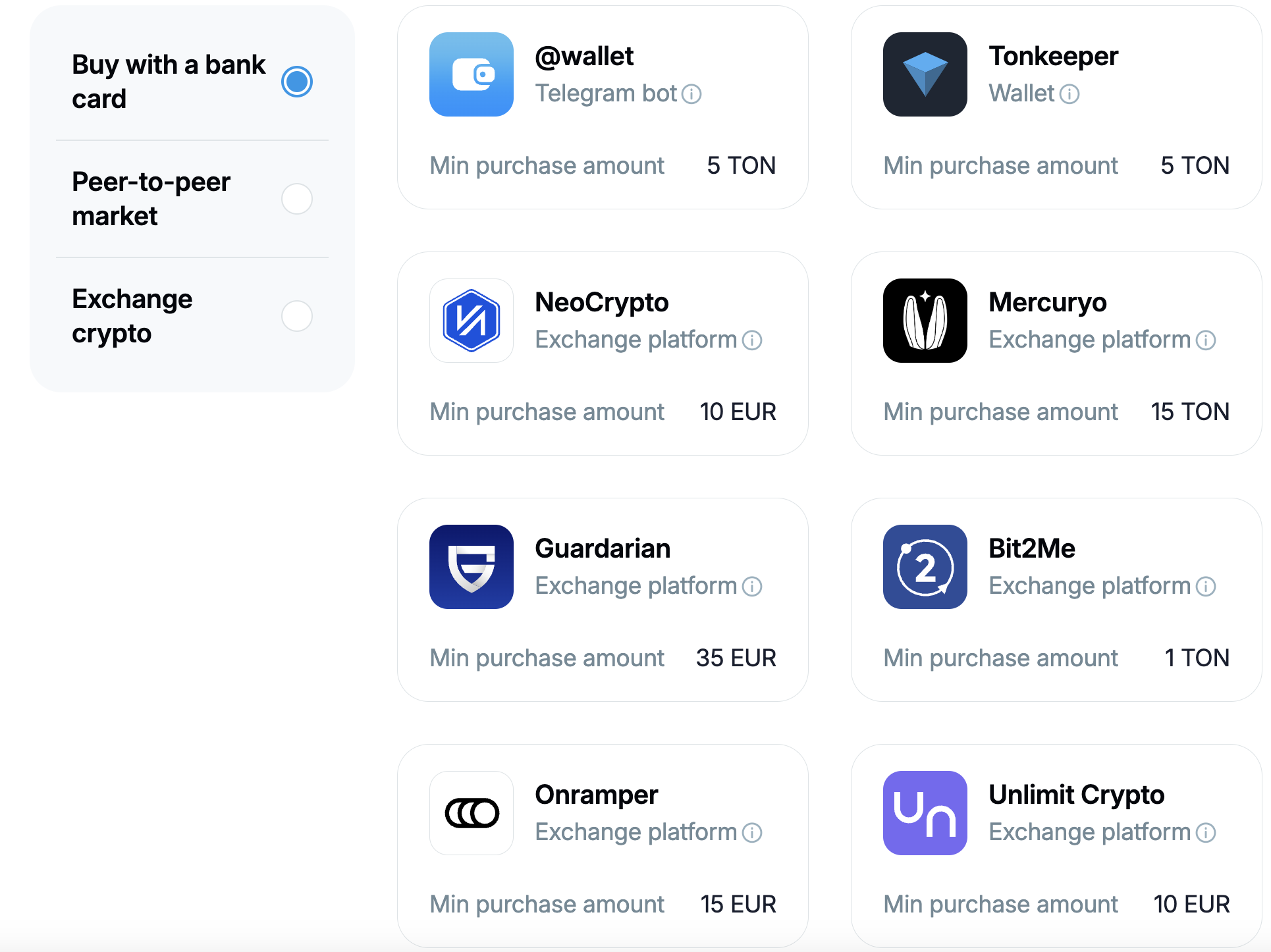
Next, you’ll need to **get some TON** for gas fees. You can use an on-ramp service to buy a token directly with your credit card. This is a simple way to get started without needing crypto exchanges. Learn more about ways to purchase TON on [the official TON website](https://ton.org/en/buy-toncoin).
On-ramp Services on TON
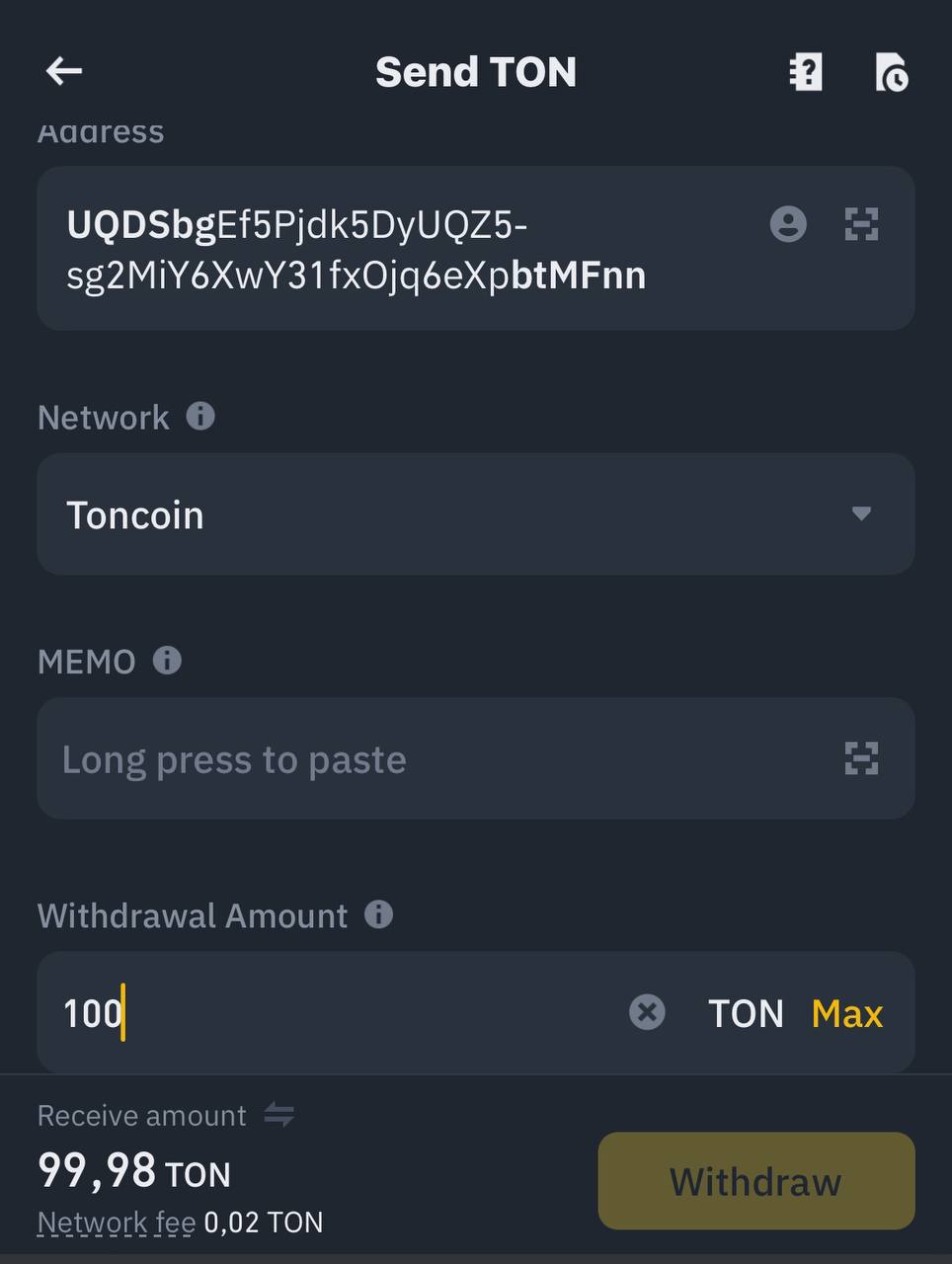
The second way to get TON is **by purchasing** it on centralized exchanges like [OKX](https://www.okx.com/), [KuCoin](https://www.kucoin.com/), [Bybit](https://www.bybit.com/en), [Gate.io](https://www.gate.io/ru), or others. Once you’re ready, you can withdraw TON to your wallet. To do it, click “Withdraw” on CEX, select token $TON, and paste your wallet address.
Withdrawal TON from Binance Exchange
Then:
1. **Go to** [Rainbow.ag](https://rainbow.ag/) or [our Telegram app](https://t.me/rainbow_swap_bot) and connect your wallet.
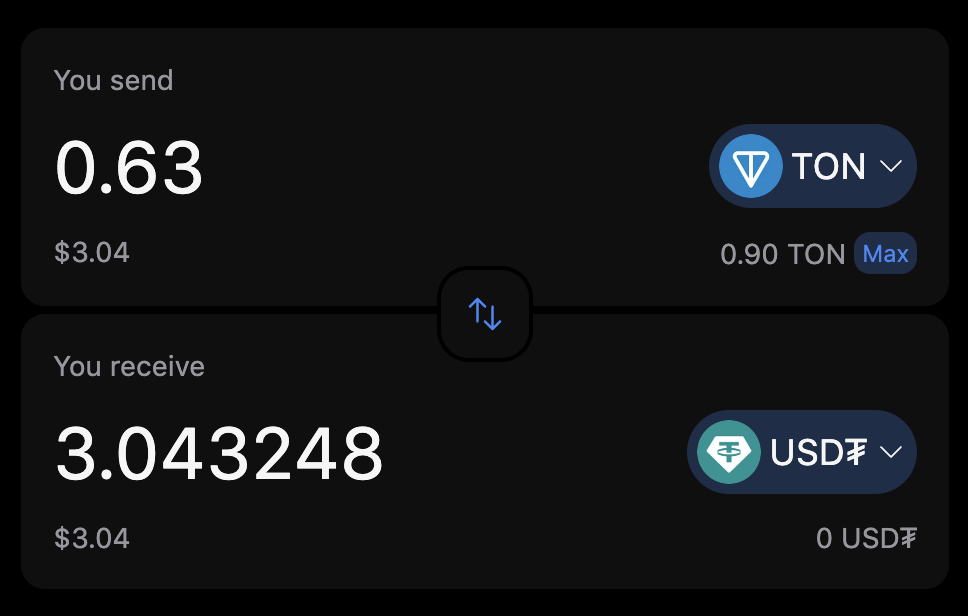
2. Select the tokens and the amount you wish to swap.
Swap Preparing
3. Tap on the **Swap** button.
4. **Confirm** the swap in your wallet.
🔥 That’s all! You have completed a swap on Rainbow Swap!